

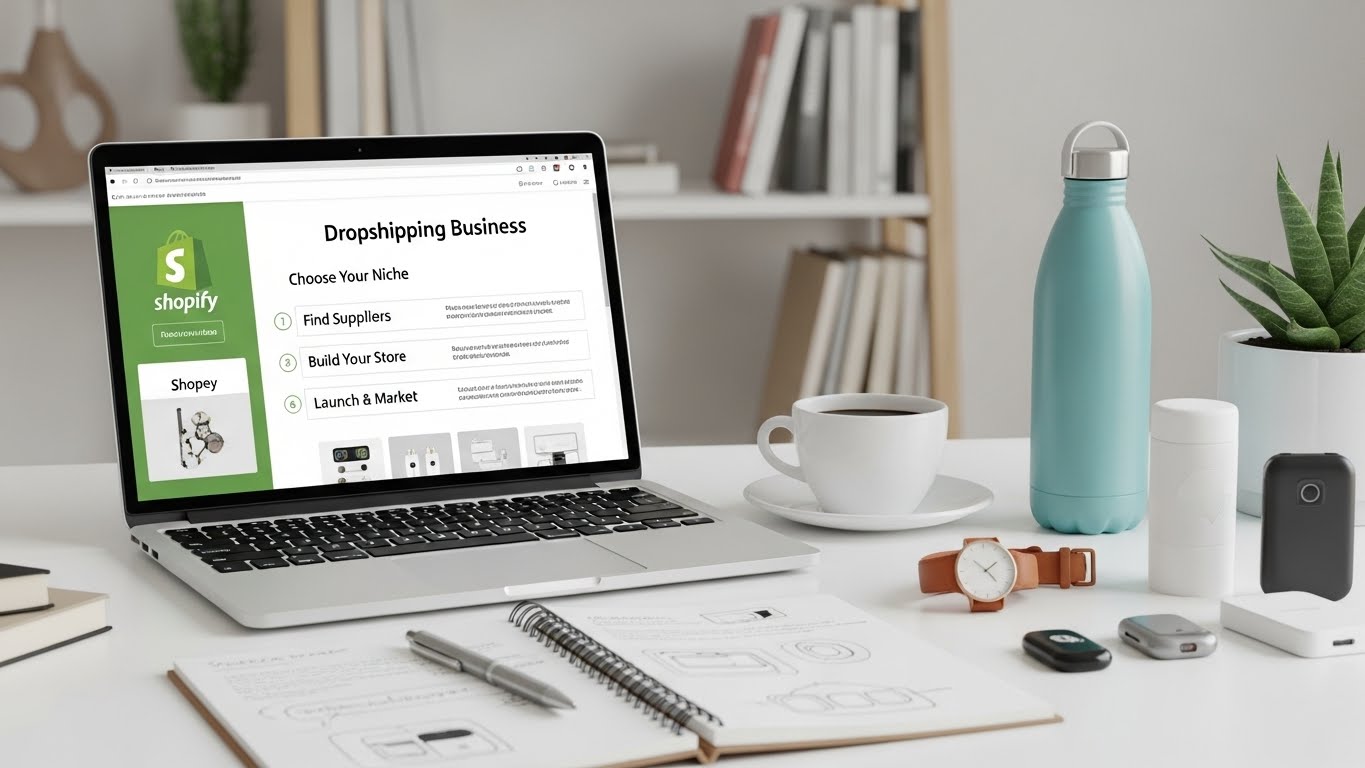
Setting up a Shopify dropshipping store is easy.
Setting one up correctly — in a way that actually gives you a chance to convert traffic — is where most people go wrong.
I’ve seen countless stores launched with excitement, only to stall because the setup was rushed, copied, or based on outdated advice. This guide walks you through a realistic Shopify dropshipping store setup, focused on usability, trust, and scalability — not shortcuts or hype.
If you follow this step by step, you’ll avoid most beginner mistakes before they cost you money.
What This Shopify Dropshipping Store Setup Guide Is (And Isn’t)
Let’s set expectations.
This is not:
- A “get rich quick” blueprint
- A list of trending products
- A copy-paste store formula
This is:
- A clean, practical setup process
- Focused on conversion and UX
- Built for real customers, not gurus
The goal is to launch a store that feels legitimate from day one.
Step 1: Choose a Focused Store Type (Don’t Skip This)
Before touching Shopify, decide what kind of store you’re building.
Your Three Smart Options
1. One-Product Store
Best for:
- Testing ads quickly
- Simple funnels
- Clear messaging
2. Niche Store
Best for:
- Long-term branding
- Repeat customers
- SEO potential
3. Hybrid (Few Related Products)
Best for:
- Upsells and bundles
- Flexible testing
- Scaling later
Avoid general stores. They’re hard to trust and harder to scale.
Step 2: Create Your Shopify Account (Basic but Important)
Sign up on Shopify and choose a clean, simple store name.
Tips:
- Avoid hyphens and numbers
- Make it brandable, not descriptive
- Don’t lock yourself into one product
You can always refine branding later, but the name should feel intentional.
Step 3: Choose the Right Shopify Theme
Your theme is not just design — it’s structure.
For dropshipping, you need:
- Fast loading
- Mobile-first UX
- Strong product pages
- Flexibility for apps
This is why many dropshippers eventually move to premium themes like Impulse. They’re built for conversion-heavy stores, not just aesthetics.
If you start with a free theme, keep it minimal and upgrade once you validate sales.
Step 4: Add Products the Right Way (This Is Where Trust Starts)
Most beginners rush this step.
Product Setup Checklist
Product Title
- Clear and descriptive
- Avoid hype words
Product Images
- High-quality
- Show the product clearly
- Use lifestyle images if possible
Product Description
Structure it like this:
- Problem-focused intro
- Benefits (not just features)
- Use cases
- FAQs or reassurance
Don’t copy supplier descriptions. They kill trust and SEO.
Step 5: Configure Pricing & Offers Thoughtfully
Pricing isn’t just math — it’s psychology.
Practical Tips
- Avoid extreme discounts
- Use round, believable prices
- Offer free shipping if possible
If you run promotions, make them feel intentional — not permanent fake urgency.
Step 6: Set Up Payments & Checkout
Go to Settings → Payments and enable:
- Shopify Payments
- PayPal
- Apple Pay / Google Pay (if available)
Then review checkout settings:
- Enable guest checkout
- Keep form fields minimal
- Avoid unnecessary upsells at checkout
A clean checkout experience increases completed purchases more than most people realize.
Step 7: Shipping & Policies (This Builds Confidence)
Dropshipping lives or dies on transparency.
Shipping Settings
- Be honest about delivery times
- Avoid vague language
- Use shipping zones correctly
Essential Pages
Create these pages before launch:
- Shipping Policy
- Return & Refund Policy
- Privacy Policy
- Terms of Service
Place links in the footer. Customers look for them — even if they don’t read them fully.
Step 8: Optimize Mobile Experience First
More than half your visitors will be on mobile.
Before launching:
- View your store on your phone
- Click every button
- Read product descriptions
Ask yourself:
Does this feel easy to use?
If the answer is no, fix it before spending money on ads.
Step 9: Install Only Essential Apps
Apps are tools — not solutions.
Start lean.
Essential App Categories
Avoid installing everything at once. Too many apps slow your store and complicate UX.
Step 10: Test Your Store Like a Customer
Before launch, place a test order.
Check:
- Email notifications
- Order confirmation
- Payment flow
- Mobile checkout
Most beginners skip this and find issues only after real customers complain.
Common Shopify Dropshipping Setup Mistakes to Avoid
Mistake #1: Copying Another Store Completely
Inspiration is fine. Cloning destroys trust.
Mistake #2: Overdesigning Early
Simple stores convert better at the start.
Mistake #3: Ignoring Policies & Transparency
Unclear policies equal lost sales.
Mistake #4: Launching Without Testing
Small errors add up quickly.
What a “Good” Dropshipping Store Setup Looks Like
A properly set-up Shopify dropshipping store:
- Feels focused
- Loads quickly
- Explains the product clearly
- Builds trust naturally
- Makes buying easy
It doesn’t need to be perfect. It needs to be usable.
After Setup: What to Focus on Next
Once your store is live:
- Improve product pages
- Track behavior (heatmaps, analytics)
- Test traffic sources
- Optimize based on real data
Setup is the foundation. Optimization is the growth engine.
Final Thoughts
Most Shopify dropshipping stores fail before they ever get a fair chance — not because the model doesn’t work, but because the setup is rushed and misaligned.
A clean, thoughtful setup won’t guarantee success.
But a bad setup almost guarantees failure.
Take your time. Build intentionally. Optimize for humans — not shortcuts.
That’s how real stores are built.
Pingback: Best Shopify Theme for Dropshipping Store: 11 Proven Picks (2026)
Pingback: Best Shopify Themes for Dropshipping stores (2026) – 11 High-Converting Picks Under $30
Pingback: Binim Responsive Shopify Theme Review 2026 ($24) – Is It Worth It for Fashion Stores?